

Register to CoinMarketCap
Go to CoinMarketCap
Add our Coin to your Coin Market Cap Watchlist
How to Add Turbo to Your CoinMarketCap Watchlist
Sign in or create a CoinMarketCap account
- Visit CoinMarketCap and log in. If you don’t have an account yet, sign up—it’s free.
Find Turbo and add it to your watchlist
- Use the search bar at the top of the site to look up Turbo.
- On the coin’s page, click the ⭐ star icon or choose “Add to Watchlist” (under the three‑dot menu).
- If you don’t already have a watchlist, this action automatically creates a default Main watchlist where your coins are saved.
Confirm the coin is in your watchlist
- Navigate to the Watchlist tab from the main menu.
- You should see Turbo listed under your Main watchlist. When you add coins using the star icon, they go into this default list by default.
Submit screenshot proof
- Take a screenshot of your watchlist page showing Turbo.
- Upload this screenshot as proof.
- Example screenshot proof accepted:
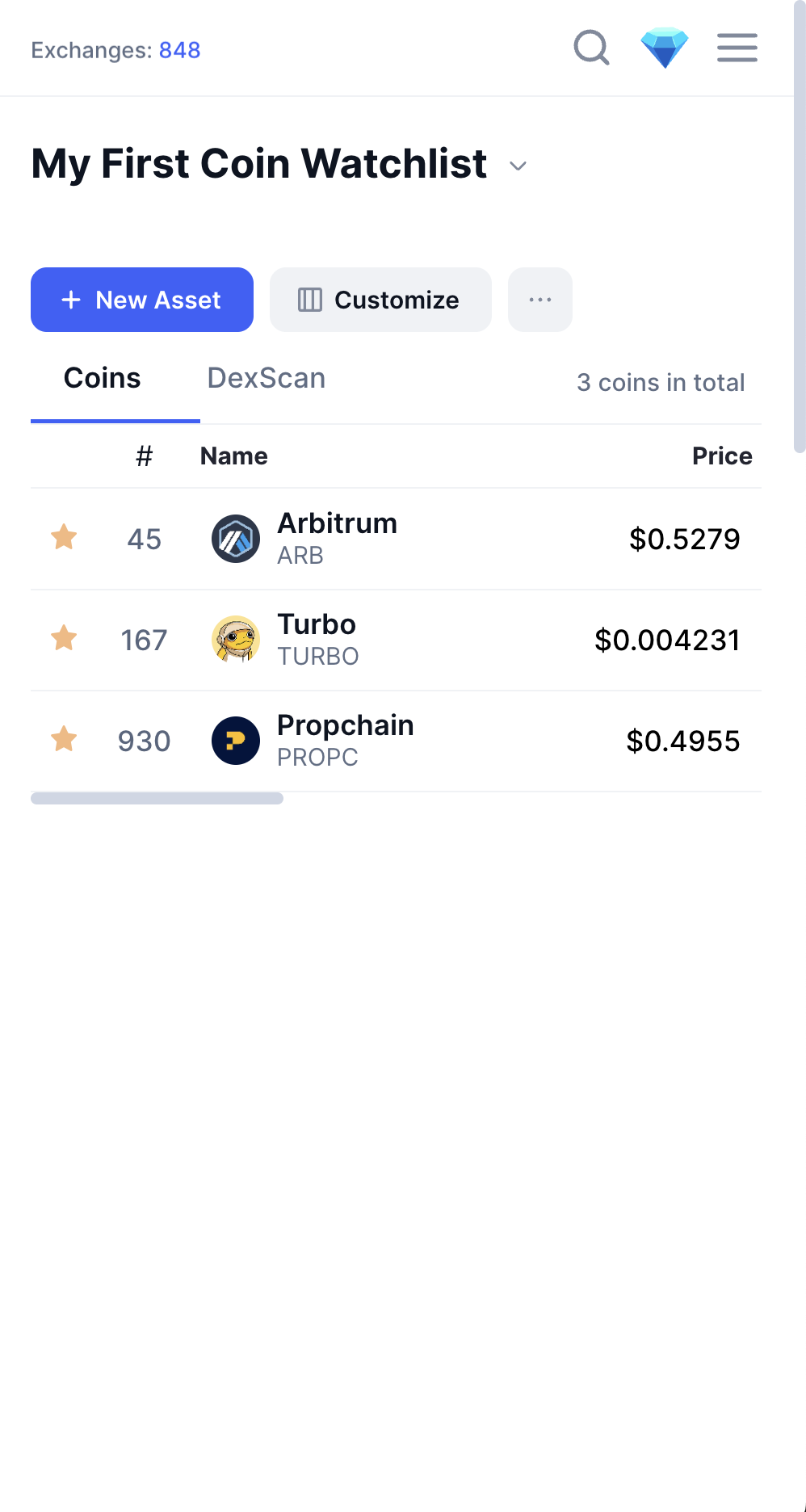
Following these steps adds Turbo to your CoinMarketCap watchlist quickly and automatically creates a default watchlist if one doesn’t already exist.